Protection for you, and for everyone at home.
Organizations have security teams. Most individuals and households don't. Trawl brings the same kind of protection — phishing and scam simulation, awareness training, and expert guidance — sized for one person or a whole household.

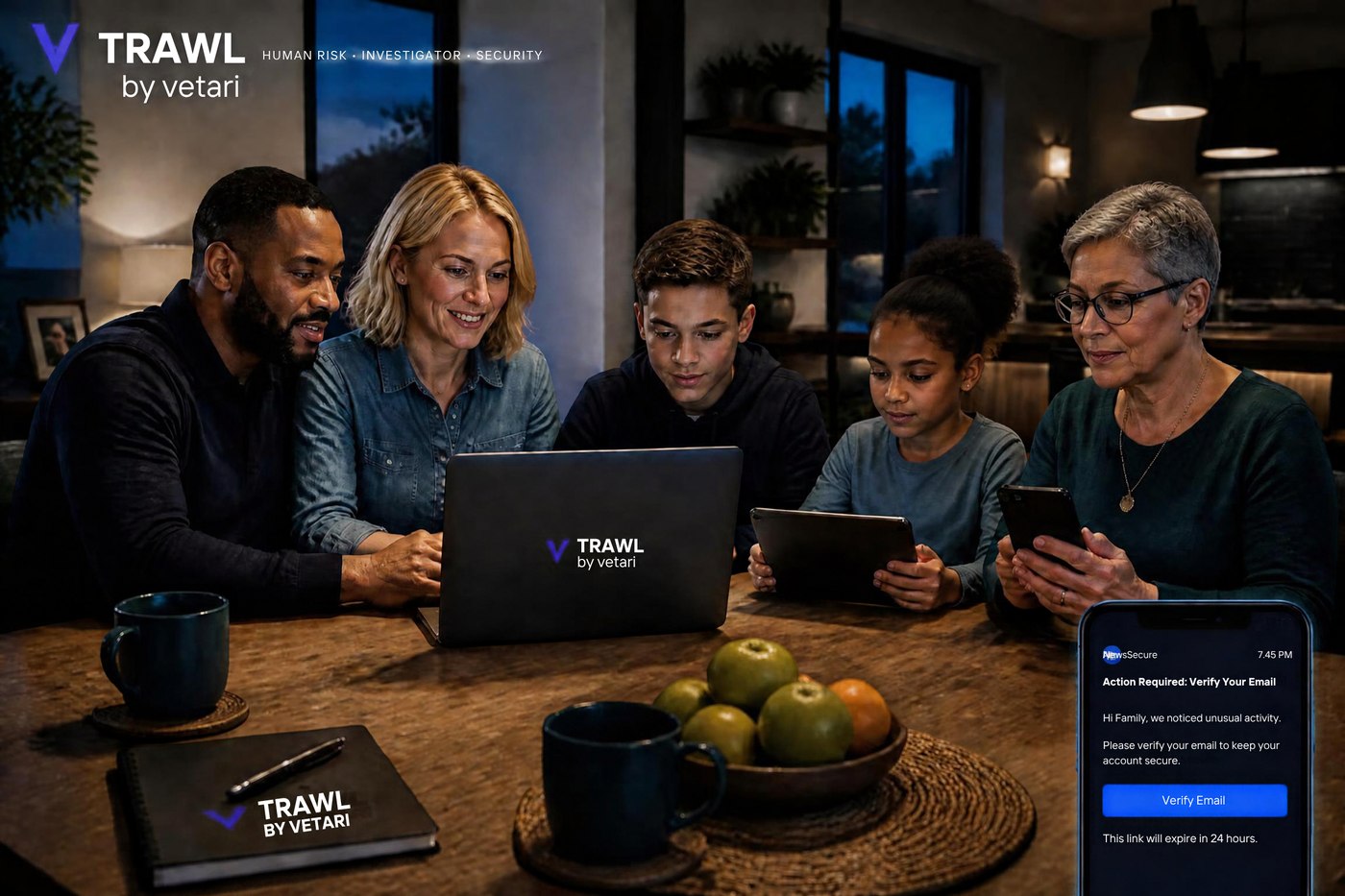
Practical protection for one person.
For a single person who wants ongoing protection against phishing and social engineering — whether that's everyday mobile payments or sensitive accounts managed alone — without having to run it themselves.
Phishing & scam simulation
Realistic phishing and scam messages aimed at you, plus short awareness training and security tips when something's missed.
Social-engineering risk assessment
A recurring check-in — every few weeks or months — on how exposed you are to impersonation and manipulation tactics.
Account-security review
A practical look across your key accounts — email, banking, social — for weak points worth fixing.
Security-awareness recommendations
Plain-language guidance, not jargon — what to change and why it matters for you.
Incident guidance
Run into a suspected scam? Get guidance on what to do next, while it's still useful.
- People managing money and accounts on their phone every day — market vendors, traders, and small-business owners taking mobile payments
- Anyone who handles sensitive accounts or information on their own
- People who want a second, expert opinion when a message or account looks off
- Executives, founders, and public-facing individuals — frequent impersonation targets
One household account. Everyone protected.
A single household account gives the head of household one view across every protected member. Simulations and training run per person — without juggling separate logins or separate conversations about "that email."
Age- & role-appropriate simulations
A teenager and a grandparent don't face the same scams. Simulations are matched to each member, not one-size-fits-all.
One household dashboard
The head of household gets a single view across everyone — no separate logins, no chasing separate reports.
Shared security tips & account reviews
Practical, plain-language tips and account checks the whole household can actually use.
Incident guidance
When a household member hits a suspected scam, get straightforward guidance on what to do next.
Flexible enrollment
Add or remove members as your household changes — a new phone for a teenager, a parent moving in.
- Households with an elderly parent who's a frequent scam target
- Parents who want real visibility into what their kids are exposed to online
- Households who want one place to manage protection for everyone, not five separate conversations
Set up once. We take it from there.
We assess your exposure
A short baseline on your accounts and habits — or, for a household, on each member you add — so recommendations are relevant.
Ongoing simulation & tips
Realistic phishing and scam tests run quietly in the background for each person, with security tips along the way.
Guidance when it matters
Something feel off? Get practical incident guidance — and, for households, see how everyone's doing in one place.
Individual & Household FAQ.
Common questions about how protection works for one person or a whole household.
Ongoing phishing and scam simulation, a recurring social-engineering risk assessment, an account-security review, plain-language recommendations, and incident guidance. Household plans add a single dashboard across every protected member.
Simulations run on a recurring cadence — typically every few weeks to months — tuned to each person's risk level rather than a fixed schedule.
No. Trawl never asks for your real passwords, PINs, or one-time codes. Simulations are designed to test recognition, not to collect your actual credentials.
You get a short, private explanation of what the red flags were — no shaming, nothing shared publicly. It's a learning moment, not a test you can fail.
The head of household sees a single view across every enrolled member — simulation results, risk trends, and any incidents — without needing separate logins. Individual account details stay private to each member beyond that summary.
Yes — enrollment is flexible, so you can add a member or remove one as your household changes.
Simulations are designed as private, low-pressure learning moments — not a public pass/fail test. Nothing is shared outside the household dashboard.